Now available — browser, desktop & mobile

Intelligent
Cargo
Tracking

Automatically recognize container numbers, track trucks and trailers, and manage your fleet from any device — in seconds.

No manual entry GPS geo-tagging Full history & search
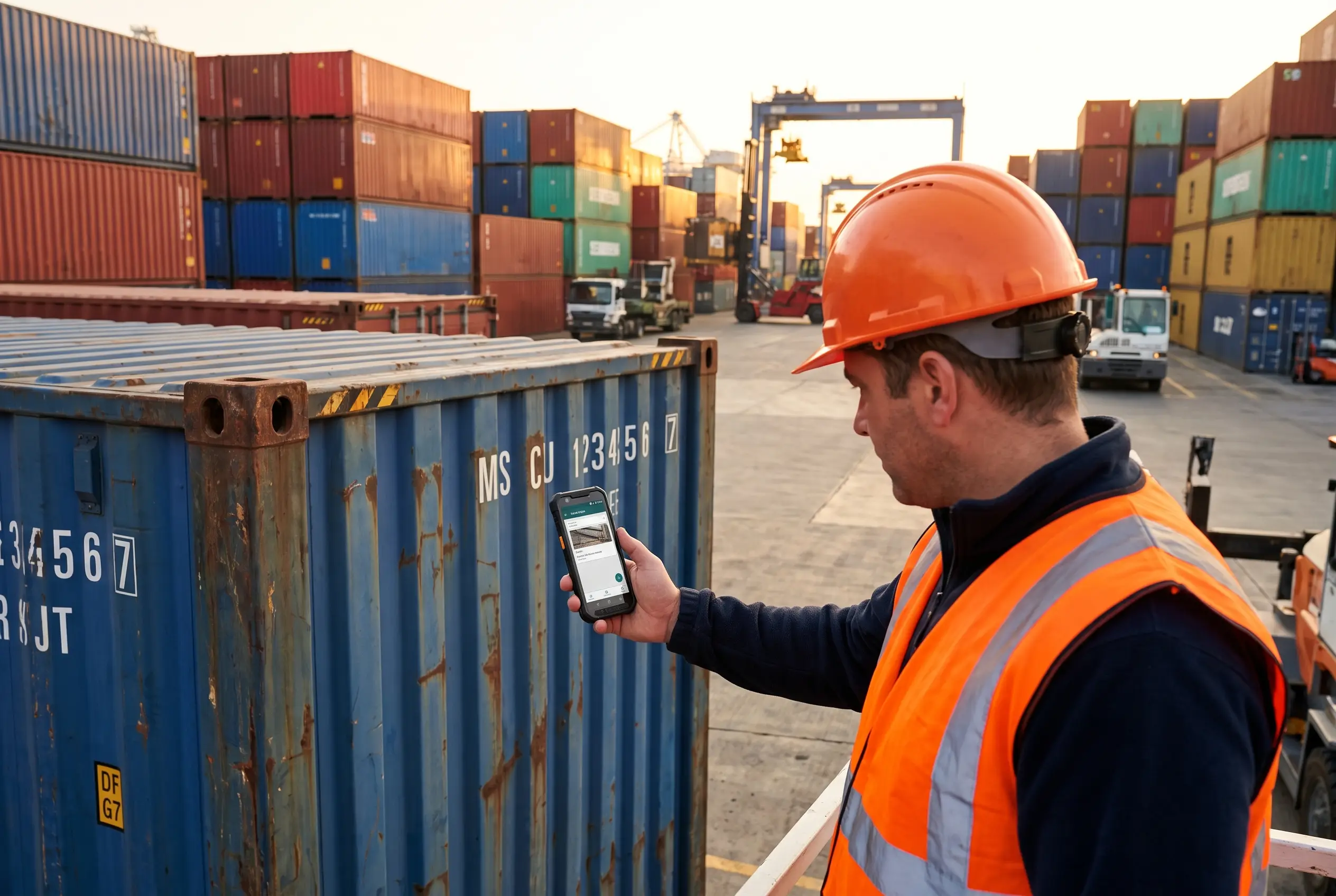
Logistics professional scanning container with smartphone
GPS Tagged
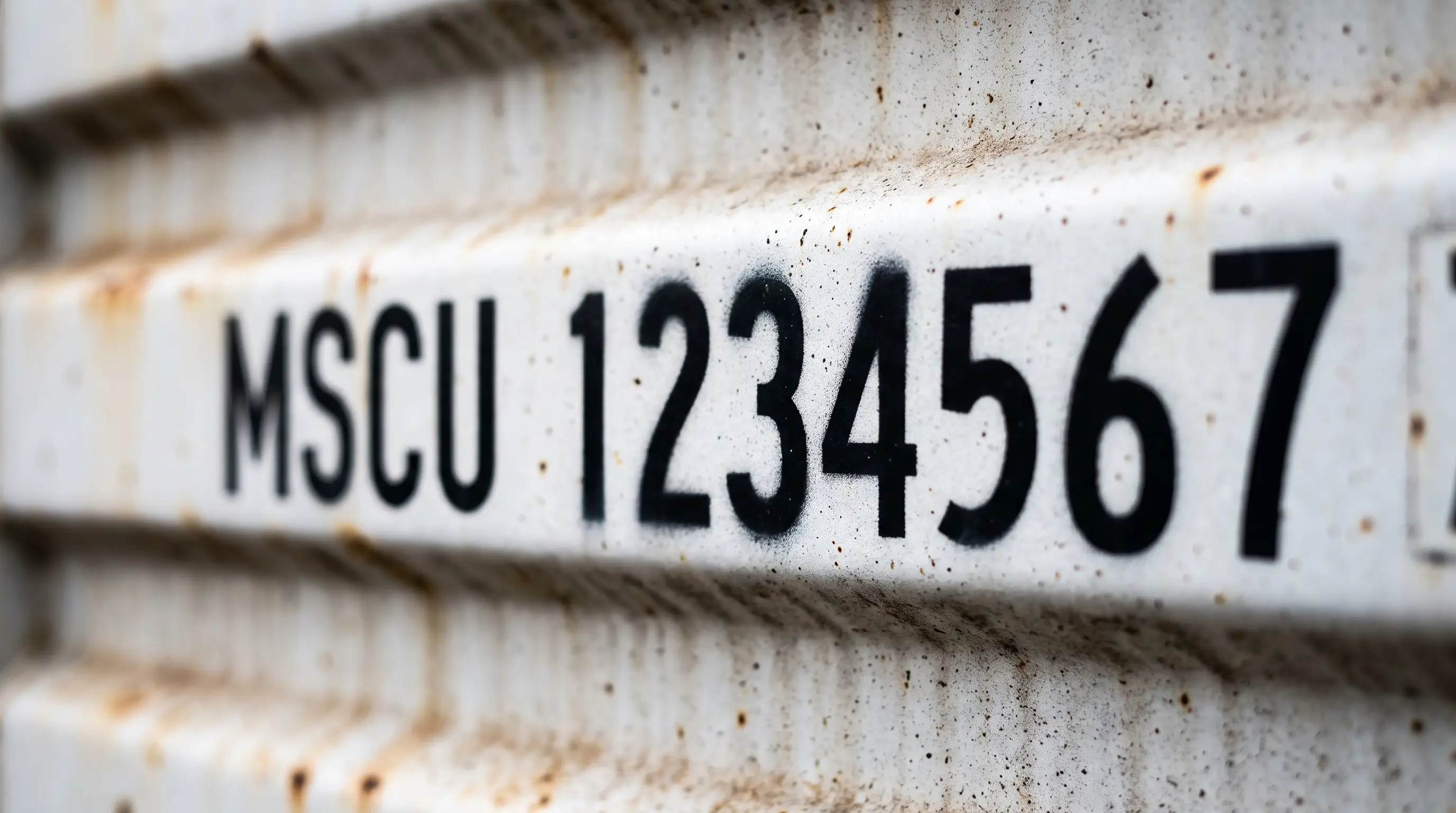
MSCU 1234567
Detected · Port of Los Angeles · Just now
✓ Verified

Instant Results
Under 3 seconds
Any Device
Browser, desktop, mobile
Simple & Secure
No training required
GPS Tracking
Every scan geo-tagged
Features

Everything you need to
track cargo

A complete toolset for logistics teams who need fast, accurate, and accessible cargo tracking.

AI-Powered OCR

Instantly recognize container, trailer, and vehicle numbers from photos. No manual typing — our AI reads it for you.

Lightning Fast

Results in under 3 seconds. Capture with your camera or upload a file — the engine processes it immediately.

Works Everywhere

Use it in any modern browser — or install as a Progressive Web App for a native-app feel on desktop and mobile.

GPS Location

Every scan is automatically geo-tagged with GPS coordinates. Know exactly where and when each container was recorded.

Complete History

Searchable audit trail of all your scans. Filter by container number, date, or location. Never lose a record again.

Team Ready

Multi-user support with role-based access control. Give your whole team the right level of access and track who did what.

Aerial view of cargo port at dusk

Trusted across global logistics operations

How It Works

Three steps.
That simple.

No training, no complex setup. Just open the app and start scanning.

1

Capture

Take a photo with your camera or upload an image of the container, truck, or trailer number plate.

2

Recognize

Our AI engine instantly extracts the container or vehicle number — no manual typing, no errors.

3

Track

GPS location, timestamp, and container data are saved instantly to your searchable history.

AI OCR container number recognition

MSCU 1234567

Container number recognized automatically

Platforms

One app.
Every device.

CargoMax is a Progressive Web App — install it once, run it anywhere, no app store required.

Browser

No installation needed. Open CargoMax in Chrome, Firefox, Safari, or any modern browser and start scanning immediately.

Chrome Firefox Safari Edge
Recommended

Mobile

Add CargoMax to your phone's home screen. Works on iOS and Android — camera access included for instant scanning.

iOS Android

Desktop

Install CargoMax as a desktop app on Windows, macOS, or Linux — no app store needed. Installs in seconds, feels native.

Windows macOS Linux
Data Management

Your cargo data.
Fully in control.

CargoMax is more than a scanner. It's a complete cargo management system — giving you a real-time view of your entire operation.

  • Status Tracking
    Assign and update statuses to containers, trucks, and trailers in real time.
  • Geo-position History
    Full movement history with GPS coordinates for every scan event.
  • Audit Trail
    Every action logged with user, time, and location. Full traceability for compliance.
  • User Roles & Permissions
    Control who can scan, view, or manage data. Built for multi-user logistics teams.
Modern logistics operations monitoring center
247
Containers
98%
Accuracy
12
Users
About
OCRSolutions
ocrsolutions.com ↗

Built by OCRSolutions

CargoMax is developed by OCRSolutions — a team of engineers focused on making optical character recognition practical for the logistics industry. We believe cargo tracking should be simple, accessible, and accurate.

Our platform combines AI-powered OCR with an intuitive interface so any team member can use it effectively from day one — no specialized hardware, no complex installation, no friction.

Ready to scan smarter?

Start tracking containers in seconds — right from your browser.

Open CargoMax

No installation required · Works in any browser